
Lapis blocks make a local item system. Connect them side to side, above or below, in a line, L shape, or branch. Inventories touching any block in that lapis shape join the same local system. A diagonal touch does not count. You can use this to share items among several containers before sending them somewhere else. Supported storage includes chests, trapped chests, barrels, shulker boxes, hoppers, droppers, and dispensers. Furnaces, blast furnaces, and smokers also work with their proper input, fuel, and output slots.
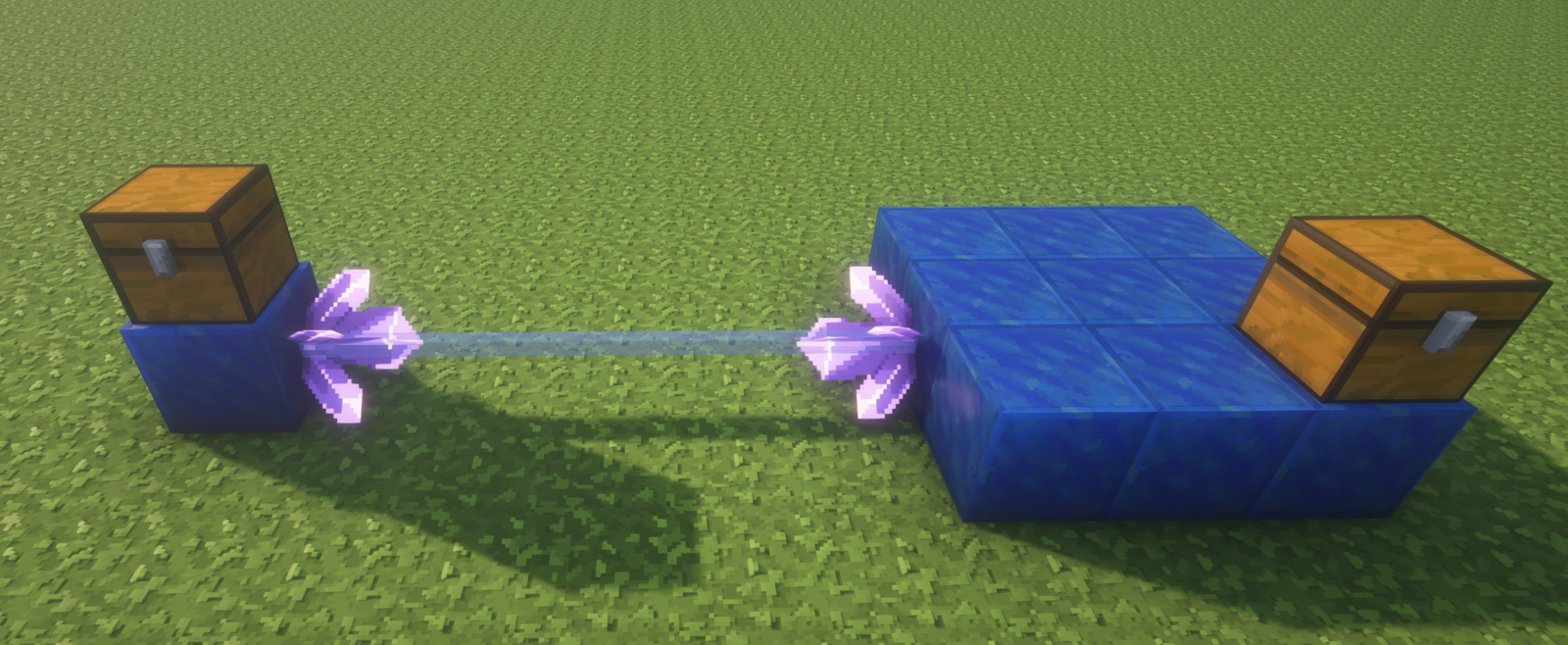
To join separate item systems, attach a full amethyst cluster to a lapis block or directly to a container at each end. Face the crystals toward each other, sideways, up, or down. The clear gap may have up to 16 air blocks. A blue line shows the item link. Amethyst energy links are purple and never connect to item ports.
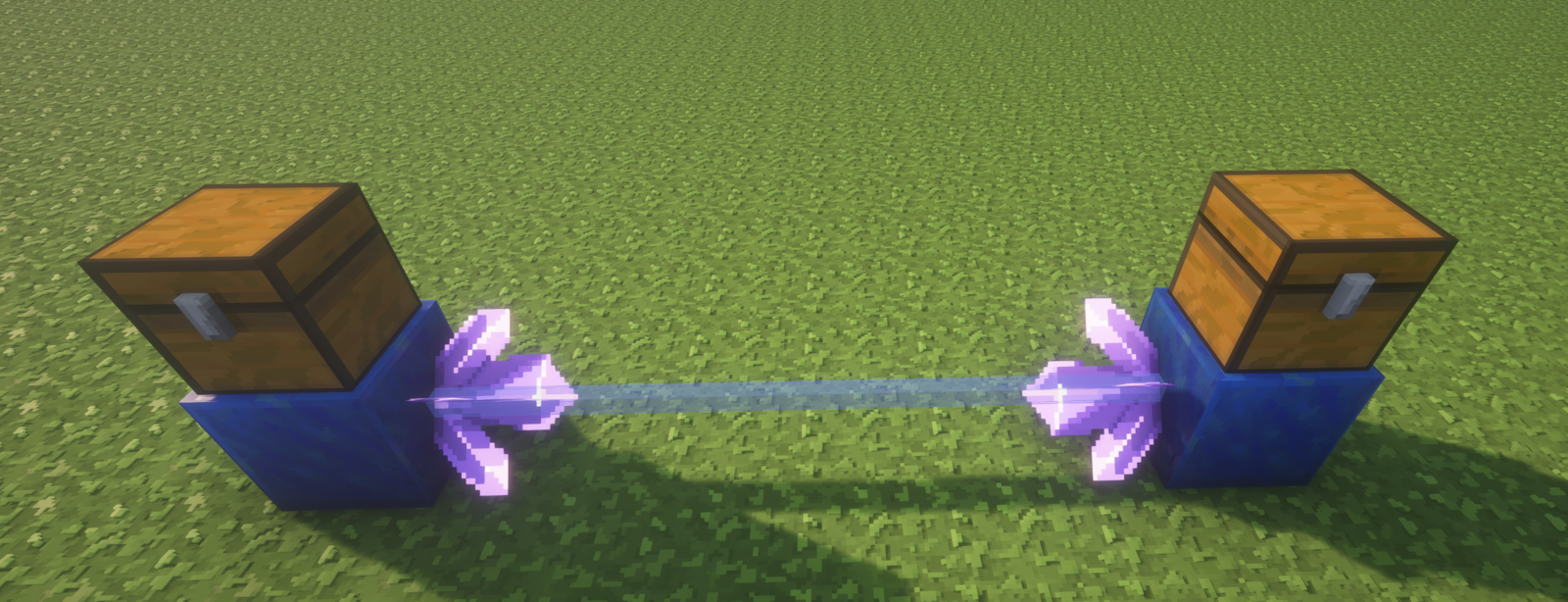
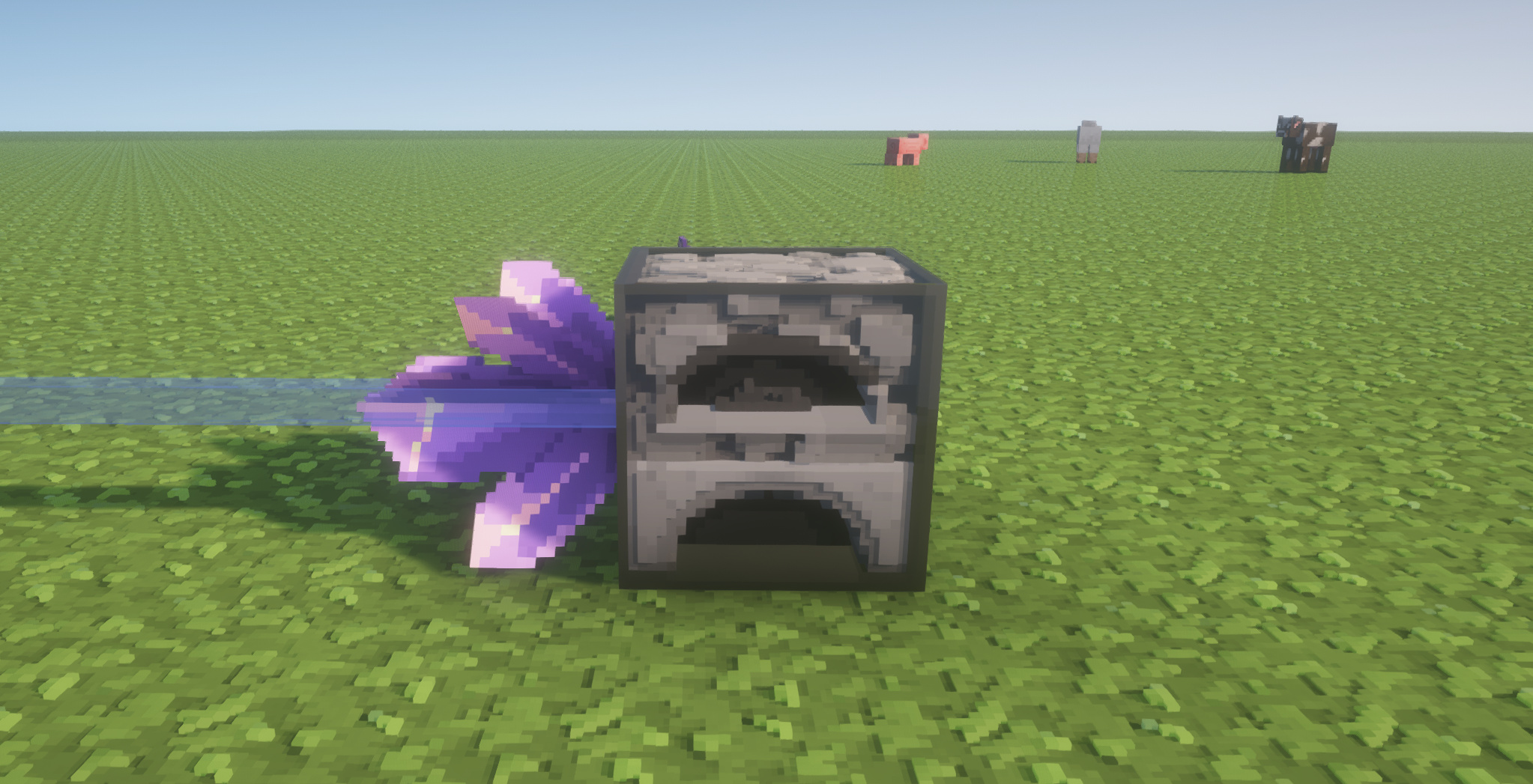
Connect a container directly (beta.10+)
Sneak-right-click any face of a supported container while holding a full amethyst cluster. One crystal adds one port on that face; a double chest counts as one container. Right-click the crystal to set its direction, filters, and quantity, or left-click to remove and recover it. Direct ports work on the top and bottom too. They address only their own container; use lapis to pool several containers.
Set a crystal's direction
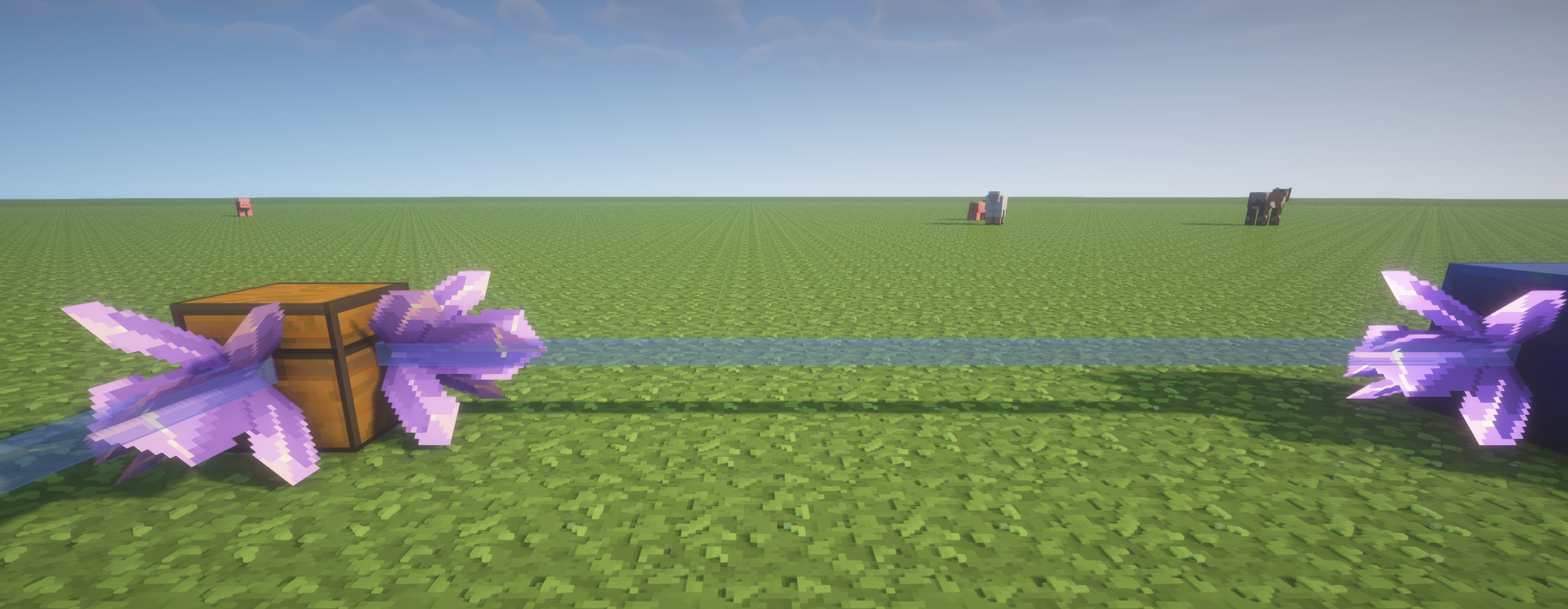
Right-click the crystal, not its supporting block. Each crystal has its own menu, even if several share one lapis block.
- Push: send matching items out of this crystal's local system.
- Pull: bring matching items into this crystal's local system.
- Auto: pass items through or work with an active Push/Pull endpoint. Two Auto ports alone do not start a transfer.
- Off: pause this crystal only. The lapis blocks and containers stay connected locally.
For a simple line, set the source crystal to Push and the destination crystal to Pull. For a branch that only carries traffic through, use Auto on its arrival and exit crystals. A Push or Pull is an endpoint, not an invisible pass-through.
Set a filter
Filters decide which item types may pass through a crystal. Open that crystal's menu, hold a sample item on your cursor, and click an empty filter slot. The sample is not consumed. A crystal can allow up to nine item types. Right-click a listed item type to remove it. Clear filters makes the port allow all items again.
The filter matches the item type, such as STONE, not its custom name or enchantments. The item keeps its full name, lore, enchantments, durability, and other data while moving. Every crystal along a route, including Auto transit crystals, must allow that item type.
Keep one item or one stack
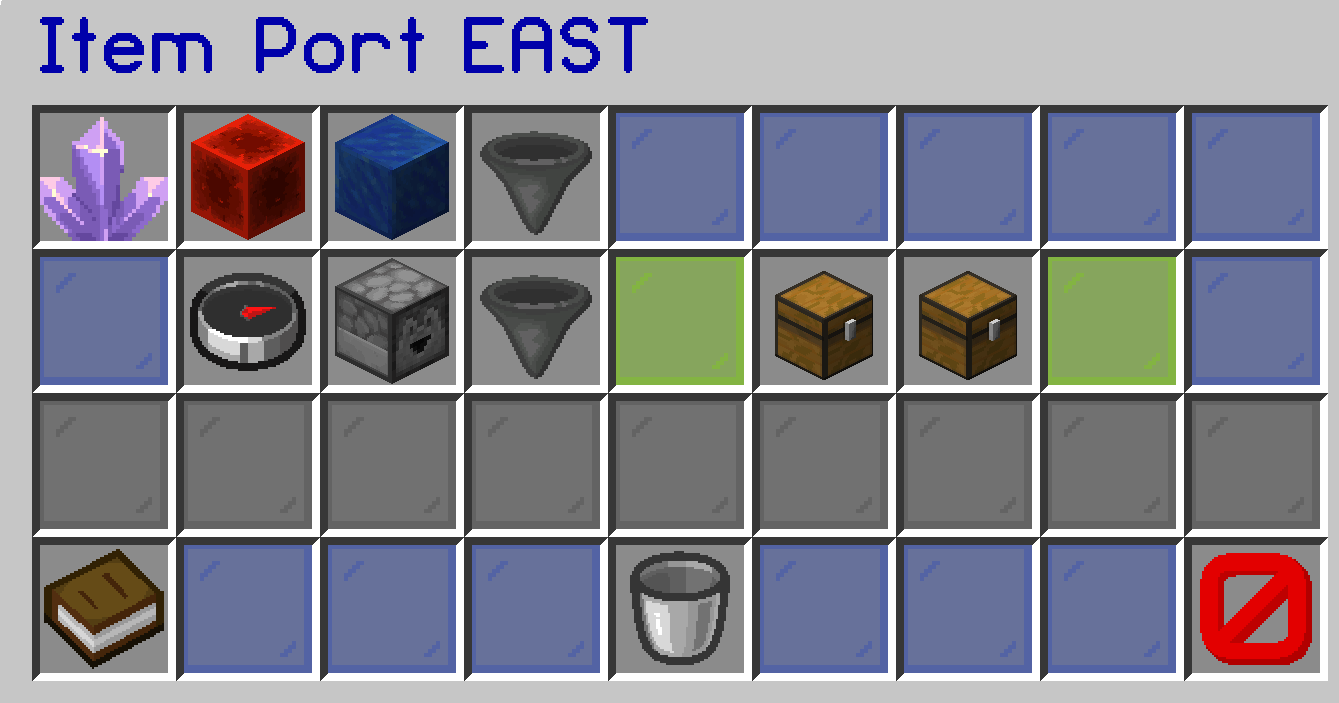
The same crystal menu has a stock setting:
- One: Push leaves one matching item in the local system; Pull fills its local system to one.
- One stack: Push leaves one stack locally; Pull fills locally to one stack. The real stack limit applies, including 16-item and unstackable items.
- Auto: no stock target. Move matching items until the source is empty or the receiving system has no room.
These limits are counted per allowed item type across the whole local lapis system, not separately for each chest. If both ends have limits, both apply. A full destination keeps items at the source.
A simple sorter
Build one lapis L shape with several chests. Put a crystal on one branch, set it to Push, and filter it to dirt. Aim it at another lapis system with a Pull crystal and storage. Put another crystal on the first L shape, set it to Push, and filter it to stone. Aim that one at a different Pull system beside a furnace. Dirt and stone now leave the same starting system through different ports. There is no separate sorter machine.
One port for a furnace (beta.10+)
Put a direct crystal on a furnace, blast furnace, or smoker. Its menu has separate Input (pull recipe items in), Fuel (pull fuel in), and Output (push finished items out) tabs. Each flow has its own filter, One/Stack/Auto stock setting, and Off switch. One connection can supply and collect all three; the input slot is never mistaken for finished output.
Redstone and height
Face-connected lapis can run in any direction, and crystal links can also run vertically. A crystal is on by default. A lever, button, or adjacent redstone input on its supporting lapis block can gate all crystals on that block: powered is on, unpowered is off. The blue line disappears while the port is off, but its mode and filters stay saved. Other crystals on different lapis blocks keep working.
If nothing moves, check the crystal directions or furnace flow tabs, filters, stock limits, container space, redstone control, and whether every part of the route is loaded.