
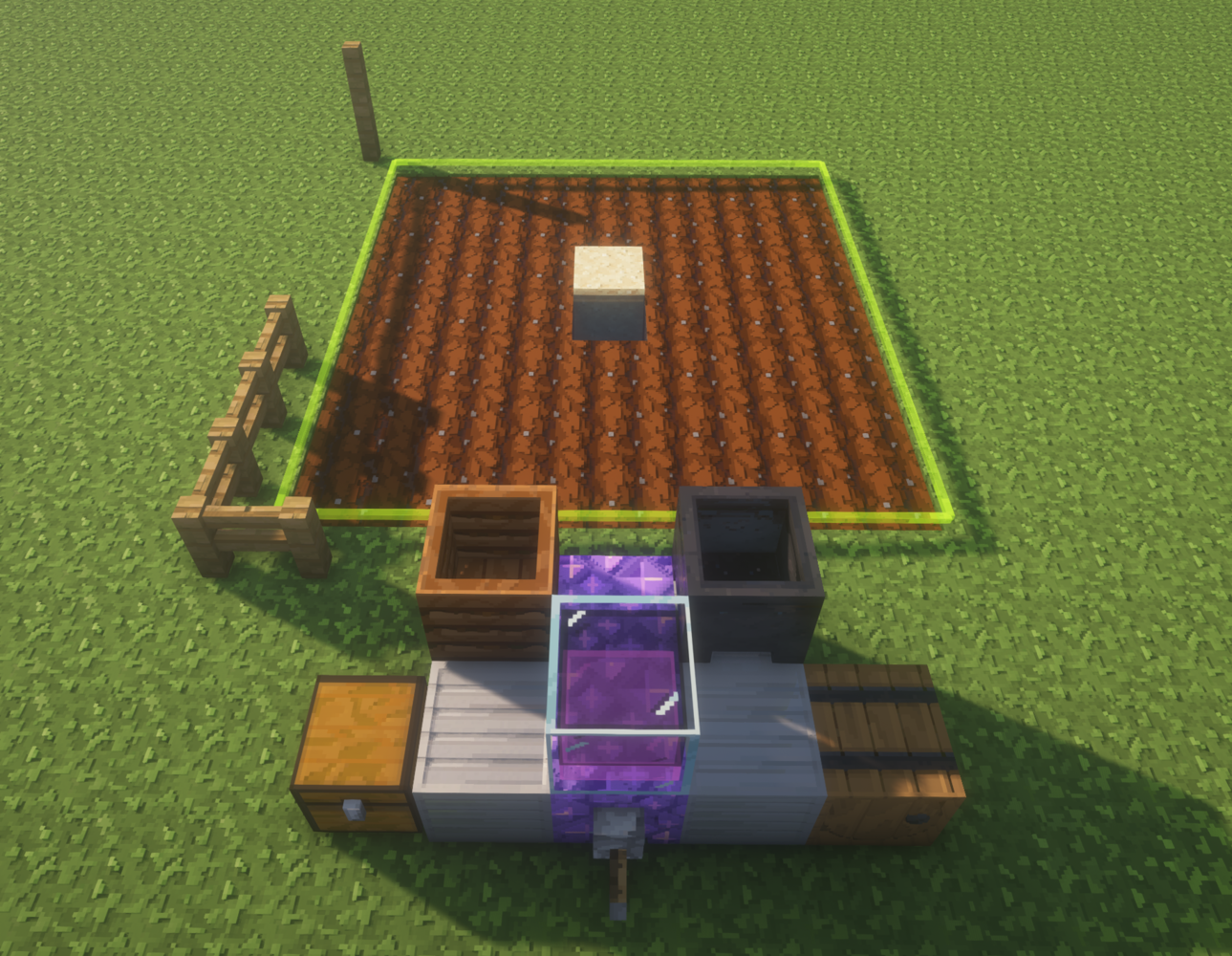
Works on a field behind the machine. Its normal field is 7×7, starting three blocks behind the controller. Redstone dust in the chest increases the range, up to 17×17; the dust is not consumed.
- Input: a hoe, seeds or other supported planting items, optional range redstone, and fuel.
- Output: harvested crops in the barrel.
- Use: 5 resonance for each harvest, planting, or tilling action.
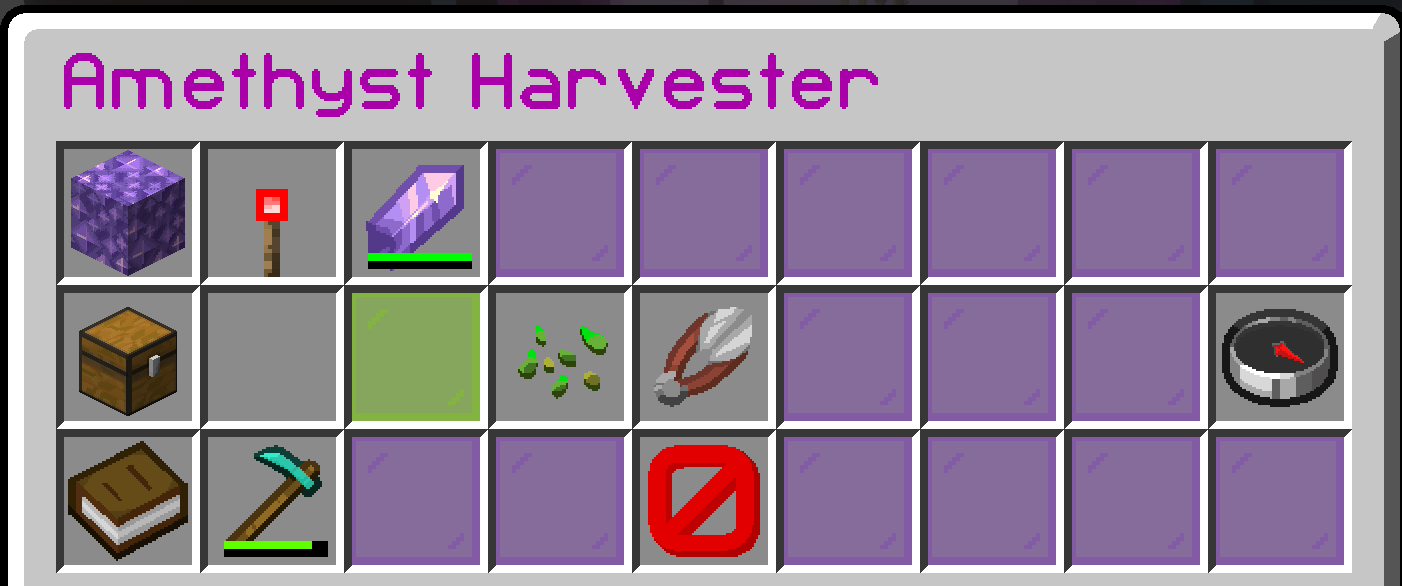
- Modes: Auto harvests, replants, tills, and plants suitable chest items. Replant harvests and replants only from what that harvest produced. Harvest Only harvests without replanting or tilling. Choose a mode in the machine menu.
- Crops: wheat, carrots, potatoes, beetroot, nether wart, torchflowers, sweet berries, glow berries, sugar cane, bamboo, cactus, melons, and pumpkins are supported. The machine also collects cactus flowers. For cane, bamboo, and cactus the bottom block stays. Berry bushes and vines stay so they can regrow; melon and pumpkin stems also stay.
Build plan
Download WorldEdit .schemExplore the machine
Drag to turn the model. Scroll the maps or choose a layer; hover a layer number to find it in 3D.
Loading 3D model…
Drag to rotate · Scroll to zoom · Rear is opposite the lever
Layers
Materials needed from schematic
Counts cover the WorldEdit schematic. Check the guide for external wiring and supplies.
The composter is above the rear iron on the chest side; the cauldron is above the rear iron on the barrel side. The rear amethyst faces the field. A thin green outline shows the work area without placing real glass blocks there.
Machine menu
Video demos
